⬅️ Un-cropped
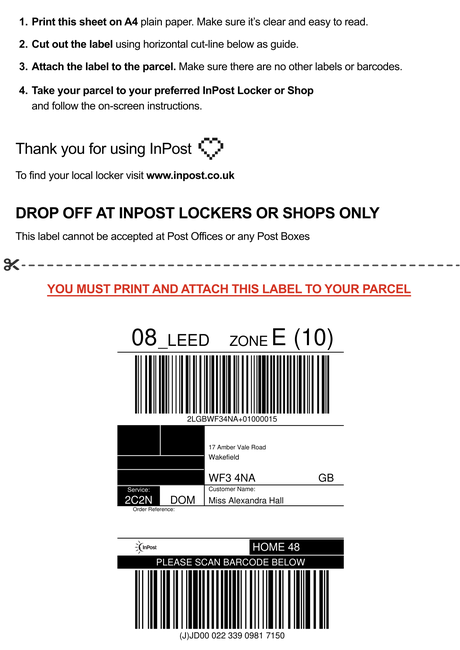
Stamp SKUs, crop to 4×6, rotate and make barcode labels — all free, all in your browser.
100% free · no upload · no sign-upSKUStamp's free shipping label tools are a small suite of browser-based utilities for resellers and small warehouses. They do the fiddly jobs that come up every time you post a parcel: adding a SKU to a shipping label, cropping a label PDF to 4×6, rotating a sideways label upright, and making sequential barcode labels for your stock. Everything runs locally in your browser — there's no upload, no account and nothing stored on a server, so your labels stay private and the tools work instantly.
They're built for the way people actually sell today: a bit on Vinted, a bit on eBay, a bit on Depop, with labels coming from Royal Mail, Evri, InPost and DPD. Each tool takes the label PDF you already have and gives you back a cleaner, print-ready one. Pick a tool below — each opens on its own page with a full guide and answers to common questions.
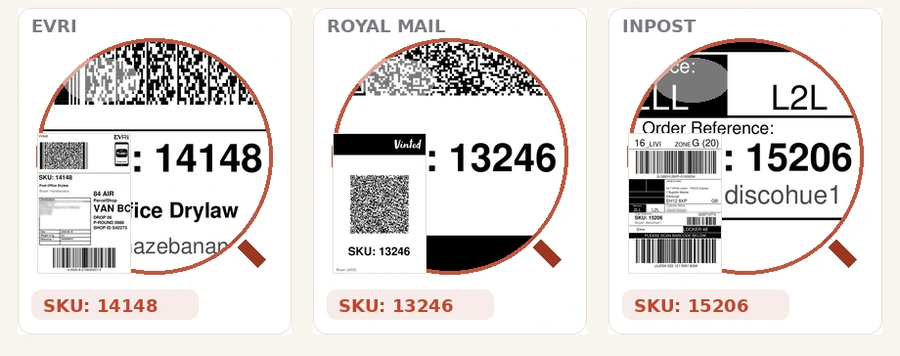
Add a SKU, order number or any text to one label or a whole batch. Position it once and it stamps every label in the same spot.
Add SKUs to shipping labels →Create sequential or custom Code 128 barcode labels for your stock. Choose a label size and print a whole sheet.
Make barcode labels →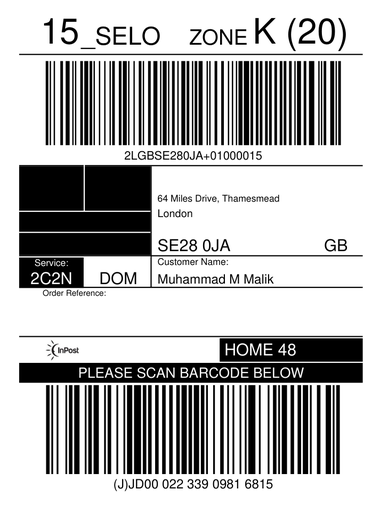
Trim the blank A4 around a label and get a clean 4×6 PDF, ready for a thermal printer. Full quality kept.
Crop a shipping label PDF →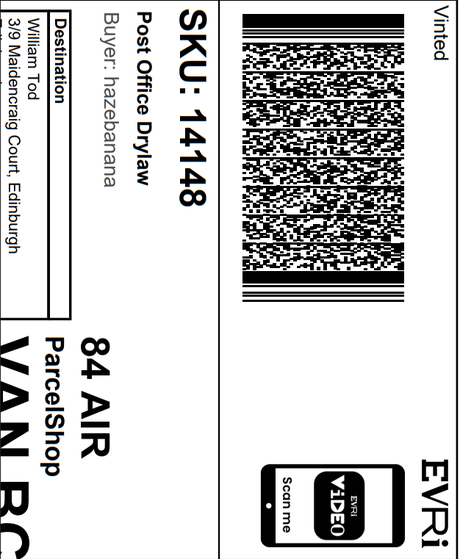
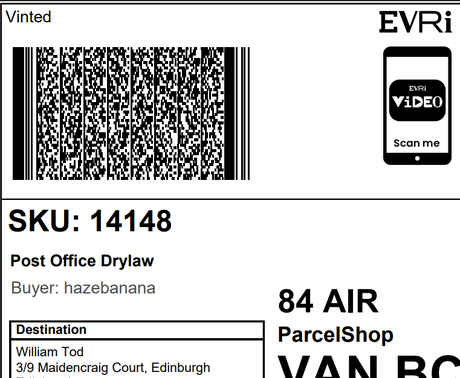
Turn a sideways or landscape label the right way up so it prints edge-to-edge on a 4×6. One click, full quality.
Rotate a PDF label →Reselling is quick to start but slow in the details — and shipping labels are one of the biggest time sinks. Marketplaces hand you a label buried in a blank A4 page, or sideways, or with no reference to tell you which item it belongs to. Printing that as-is wastes paper, jams a thermal printer, and leaves you cross-checking order screens to make sure the right item goes in the right parcel. These free tools each remove one of those frictions, and together they turn a raw courier PDF into a clean, labelled, correctly-sized label in a few seconds.
They're also a taste of what the full SKUStamp app automates. The app watches your orders, stamps labels with the right SKU automatically, tracks profit and cost of goods, and cross-lists your items — but these tools are free forever and need nothing but a browser. Use them on their own, or as a gentle on-ramp to the app.
Yes — every tool here is completely free, with no sign-up, no credit card and no watermark on your labels. They run entirely in your browser, so there's no upload and nothing is stored on a server. Use them as often as you like.
No. All processing happens locally in your browser using your device. Your shipping label PDFs never leave your computer, which keeps buyer addresses private and makes the tools work instantly with no waiting for an upload.
They work with the standard label PDFs from Royal Mail, Evri, InPost and DPD, and with labels from Vinted, eBay and Depop. There's no special format — drop in the PDF you already downloaded and the tool handles the rest without touching the barcode.
No. Everything runs in a normal web browser on Windows, Mac, Chromebook or tablet. There's nothing to download or install for the free tools. The optional SKUStamp desktop app automates the whole workflow, but the tools on this page stand alone.